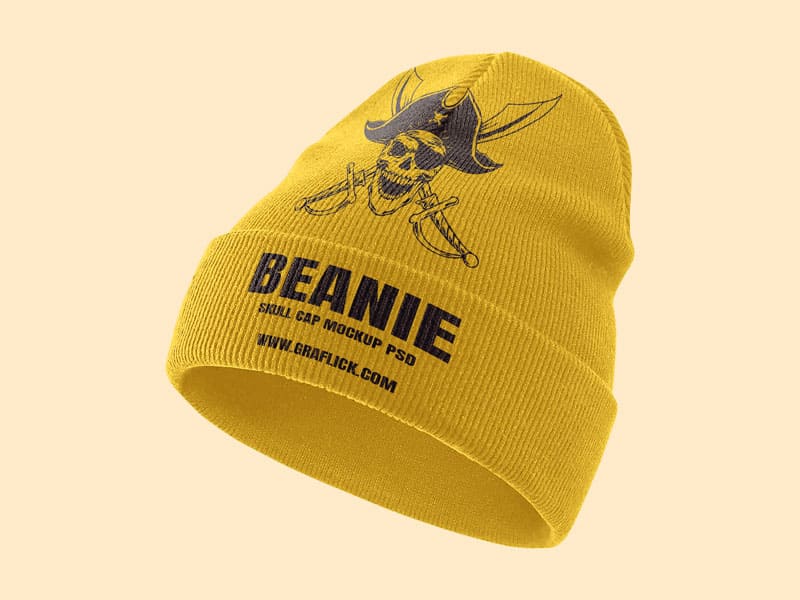
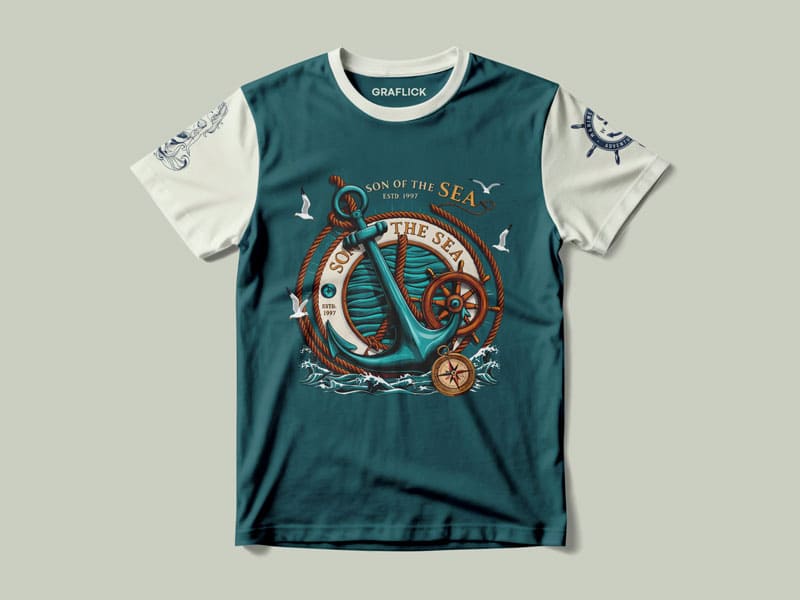
What is free distressed beanie mockup PSD for?
A free distressed beanie mockup PSD is a layered file that designers use in Photoshop to build a portfolio of beanie design. Industries often utilize beanie mockups, including streetwear and casual fashion. Beanie mockups that appear “distressed” often have a worn or vintage appearance to the fabric texture. Designers use beanie mockups to present their work, including logos, embroidery, or design patterns and textures, without the need for the actual beanie design.

This mockup is an invaluable tool for:
- Creating marketing images for websites and online retail marketing
- Cutting production costs and time
- Making clients “wow” with bookmarks
- Previewing the look of their design on a swatch
Because a PSD, it is usually a smart object, allowing you to save and insert work in less than a minute.
What is a beanie?
A beanie is a winter head garment, and is usually made of wool. A beanie, whose fabric is composed of knitted cotton and/or acrylic, is usually snug on a head and can be quite simple in appearance, without a brim. Beanies were purpose-designed to help keep their wears heads insulated and toasty in the sub-zero temperature.
Recently, the use of beanies has extended far beyond sub-zero temperature wearing. Beanies have become quite popular in street fashion, and thus wearing a beanie has become a fashion accessory. Beanies have many variations in styles, including slouchy, cuffed, and fisherman beanies.

What is a skully?
A skully is a different variation of a beanie. However, they are structured a little differently. Beanies tend to have more fabric, while skully caps fit the head more snugly without the fabric on top. They serve to keep you warm or to provide an extra layer of warmth underneath another item such as a helmet.
You may hear beanies and skully caps being used in the same way, but there are very key differences.
Beanie: more structured, possibly more loose, or may be more slouchy,
Skully: snug and tight to the head typically

Is a beanie a cap or a hat?
Beanies are more closely associated with hats than caps.
There is a stark structural difference. Caps have a structured covering of the head but include a visor, whereas hats are also there to cover the head but do not include a visor.
Beanies are also very flexible, have a soft structure, and bear no visor so they are very closely associated with being a part of the hat family.
Be careful before leaving the house in a beanie. Beanies are associated with a certain attitude towards life. The popular associations of the beanie’s attitude can be best explained as a relaxed attitude. Here are some practical uses of the beanie.
- Classy fit: Pull it down over your ears as you wear a fancy beanie for a functional and warm appearance.
- Cuffed style: A fancy cuffed beanie gives you a warm and snug feel while maintaining.
- Slouchy style: Slouchy beanies offer a relaxed vibe.
- High-top style: Beanies with high-top style are perfect for a street look.
If you want to make a statement, go for a bright colored beanie. Mixing beanies with a variety of attires can also serve to break fashion rules.

Which buyers can use beanie mock-ups?
Everyone, Graphic designers also use mock-ups to test a new design before it goes to print. Beanie mock-ups are also a useful resource for clothing brands for new product releases and marketing graphics. They are also a perfect resource for Print-on-demand sellers to promote a new product. Freelancers also use them to upgrade their portfolio. Finally, entrepreneurs also use them as a cost effective way to test a new product before it goes to full production.

How to use distressed beanie mockup PSD in Photoshop (Step-by-Step)
Using the distressed beanie mockup files is very easy. Here’s how.
- Open the PSD File
Open your Photoshop and choose your mockup showing beanies that you want to use.
2.Find the Layer of Smart Object
In your layers panel, search for a layer labeled with something such as, “Design Me” or “Fill me up”.
- Edit the Smart Object
You may edit the Smart Object in a separate window that then pops up, as you may have to double click too. - Add Your Own Designs
Logos or images can be dragged or cut and pasted into this window. Please resize them and reposition them as you wish. - Save the Smart Object
Ctrl+S or Cmd+S on Mac. This will update the main mockup image. - Add Effects + Choose Colors
Edit the colors, shadows, and textures to be in harmony with your brand. - Save Your Image
Click on File > Export > Export As and set your file to PNG or JPEG.
The distressed beanie mockup is an excellent way to visualize your designs before printing or using them. It lets your imagination run wild and is a useful even for the most skilled individuals.