


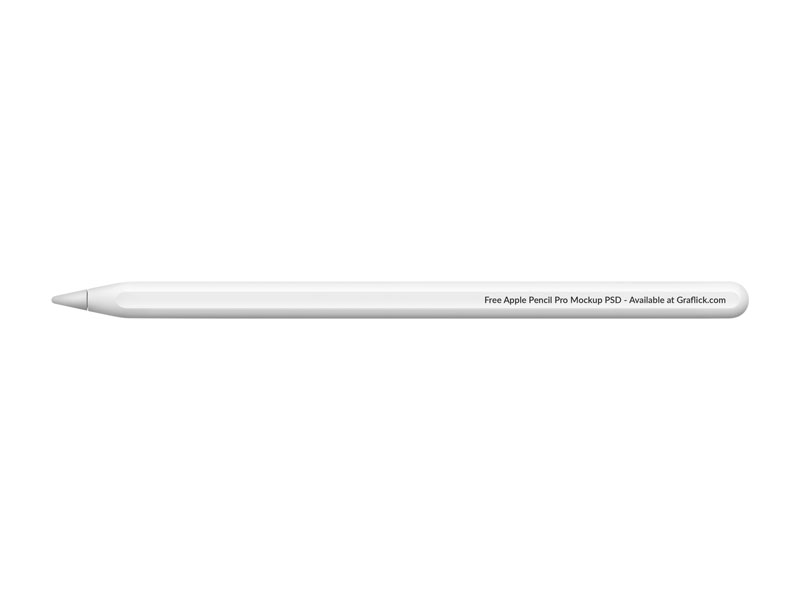
Who can utilize the Apple Pencil Pro Mockup?
The Apple Pencil Pro Mockup can assist a lot of users including designers, marketers, educators, and app developers. For graphic designers, mockups can present designs in a professional way. For app developers, developers, add screenshots of the app to showcase the app and the features for a portfolio or for the app store.
Content creators and social media marketers can utilize the Apple Pencil Pro mockup to create exciting images for a promotion. For educators and students, they can utilize it in a presentation, tutorial, or other materials to use digital note taking and drawing. Businesses that create accessories or products related the the iPad can display the mockup in an ad or an online store.
Photoshop, Figma, and Canva are design software that are mockup-friendly.

Apple pencil pro tips and tricks
Apple Pencil Pro has many features and functions to aid in creativity, as well as, productivity. Consider the tips below.
- Squeeze Gestures Users can ‘squeeze’ to control features, colors and functions. This can change the speeds of the response to changes of the tools and functions.
- Hover Preview Users can place the pencil tip above the drawing surface to see where the tip will touch, before it will touch the drawing surface. This is useful for identifying where to draw before the action is committed.
- Create Your Own Shortcuts Customize Pencil actions in the app settings. Use Pencil Shortcuts to change brush size, undo, or erase.
- Utilize the Find My Feature Apple Pencil Pro integrates Find My, so locating your Apple Pencil Pro when it’s lost is simple.
- Master the Pressure Sensitivity Certain strokes become thicker or thinner based on your pressure. Mastery of pressure drawing leads to a big improvement in drawing digitally.
- Magnetically Charge and Pair MagSafe your iPad Apple Pencil Pro to your iPad to charge and pair.
- Leverage Note-Taking Applications Apple Pencil Pro can be used effortlessly to write and annotate in apps such as Good Notes, Notability, and Apple Notes.

Does apple pencil pro come with extra tips?
Generally, no. The Apple Pencil Pro package is simple and only includes the Apple Pencil Pro with guides.
Worry not, Apple Pencil Pro tips are quickly and easily replaceable. Purchase them from Apple or other companies. Frequent drawing and writing can lead to tip fatigue.
Different texture tips can be used instead for a more satisfying experience and to achieve a smoother drawing as though on paper.

What to do when apple pencil pro not working?
If your Apple Pencil Pro is malfunctioning, you can try several troubleshooting options:
- Charge the Pencil If the pencil is out of battery, charge it by magnetically attaching it to the iPad for a few minutes.
- Re-link the Pencil Disconnect the Apple Pencil by navigating to the Bluetooth settings on the iPad, and pair it again.
- Reboot the iPad The Apple Pencil may need a temporary iPad software fix that can be easily solved by restarting the iPad.
- Update the iPad The Pencil may be malfunctioning because of software compatibility issues, which can be solved by upgrading the iPad to the most updated version.
- Illuminate the Tip The tip may be loose which interrupts the loose connection.
- Verify Compatibility The Apple Pencil Pro only works for certain types of iPads, so ensure the device you want to work with supports it.
- Use Other Applications The issue may be software-specific and not a problem with the hardware.
If all else fails, you should contact Apple Support and they can solve the problem, or visit an Apple Store for further assistance.

What the difference between apple pencil vs pencil 2?
Aside from the price, the most distinct difference between the Apple Pencil Pro and Apple Pencil 2 is the smart technology features they may possess.
Squeeze gestures and barrel roll detection and haptic feedback and Find My support are features not included on the Pencil 2, while they are all available on the Apple Pencil Pro.
Because of the additional features, the Apple Pencil Pro is better for advanced artistry and creativity, and Apple Pencil 2 is better for basic artistic tasks. Both Apple Pencils have low-latency drawing and magnetic charging, which are essentially the same features, but may be differentiated by the level of creativity intended for use.
Apple Pencil 2 is still great for note taking or drawing or just about any use for an iPad. For a newer creative experience and an improved flow, you might want an Apple Pencil Pro.
